
The Tools Are Moving Faster Than the Work
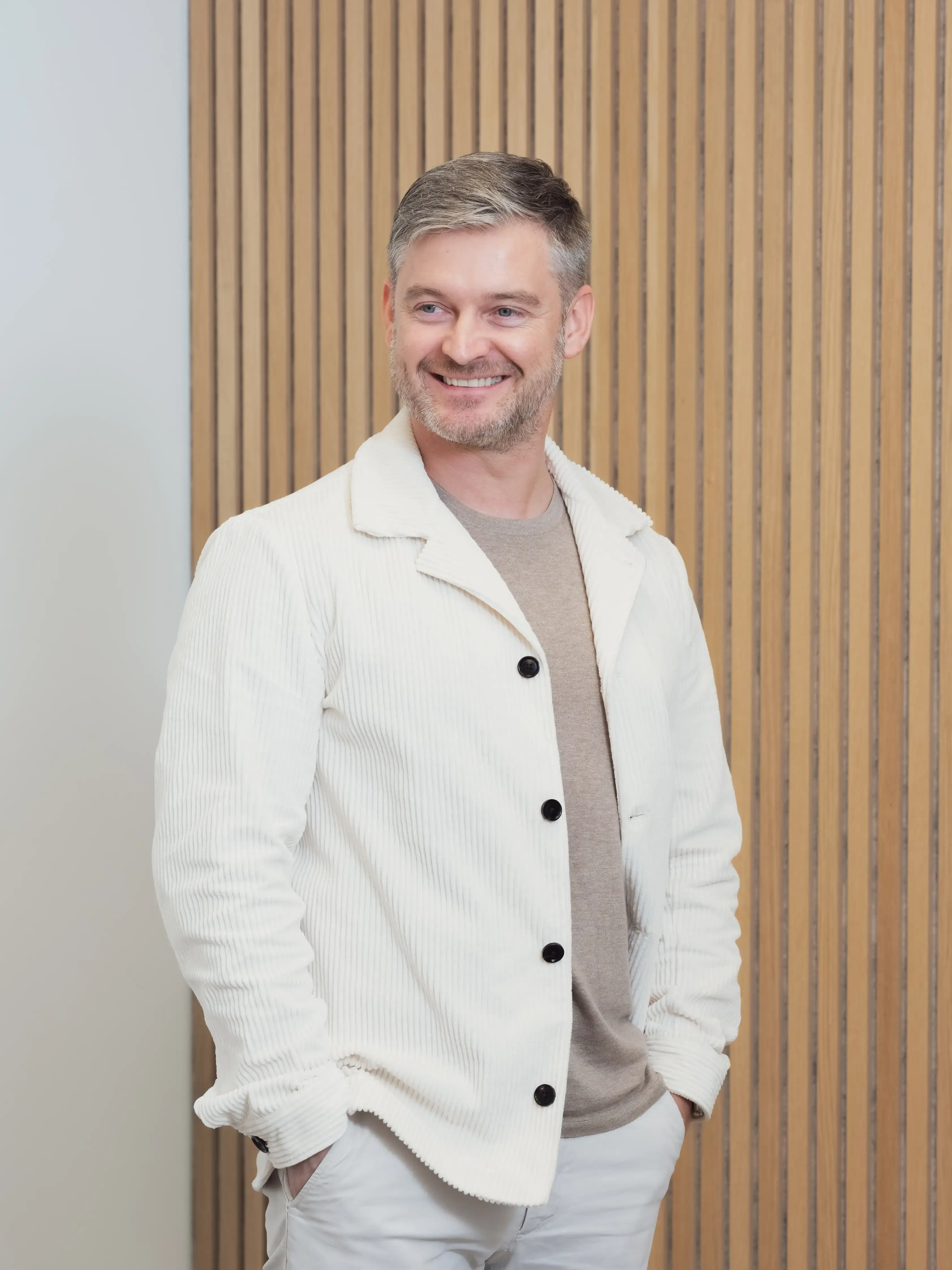
Would you like to know more?
Get in touch with Simon
Stay Connected
Curious about how branding and consumer psychology intersect? Subscribe to our newsletter for expert insights and strategies built around our core service pillars: identity, development, and 3D & Ai technology. Let’s help your brand forge deeper connections.
There's a version of the AI conversation in design that goes something like this: exciting new
tool drops, someone posts about it on LinkedIn, everyone feels vaguely behind, and then it
happens again next week. Sometimes twice a week.
If you've been feeling exhausted by that cycle, you're not alone. And honestly, you're not being
dramatic either.
Adobe and Figma used to be enough
Not that long ago, the toolkit for a working designer was pretty stable. You knew Illustrator,
Photoshop, InDesign. You picked up Figma when it came around. Maybe After Effects if you
worked in motion. That was kind of it, and getting good at those tools felt like something you
could actually do, because the landscape wasn't shifting under your feet every few weeks.
Then the AI tools arrived. And they didn't arrive one at a time.
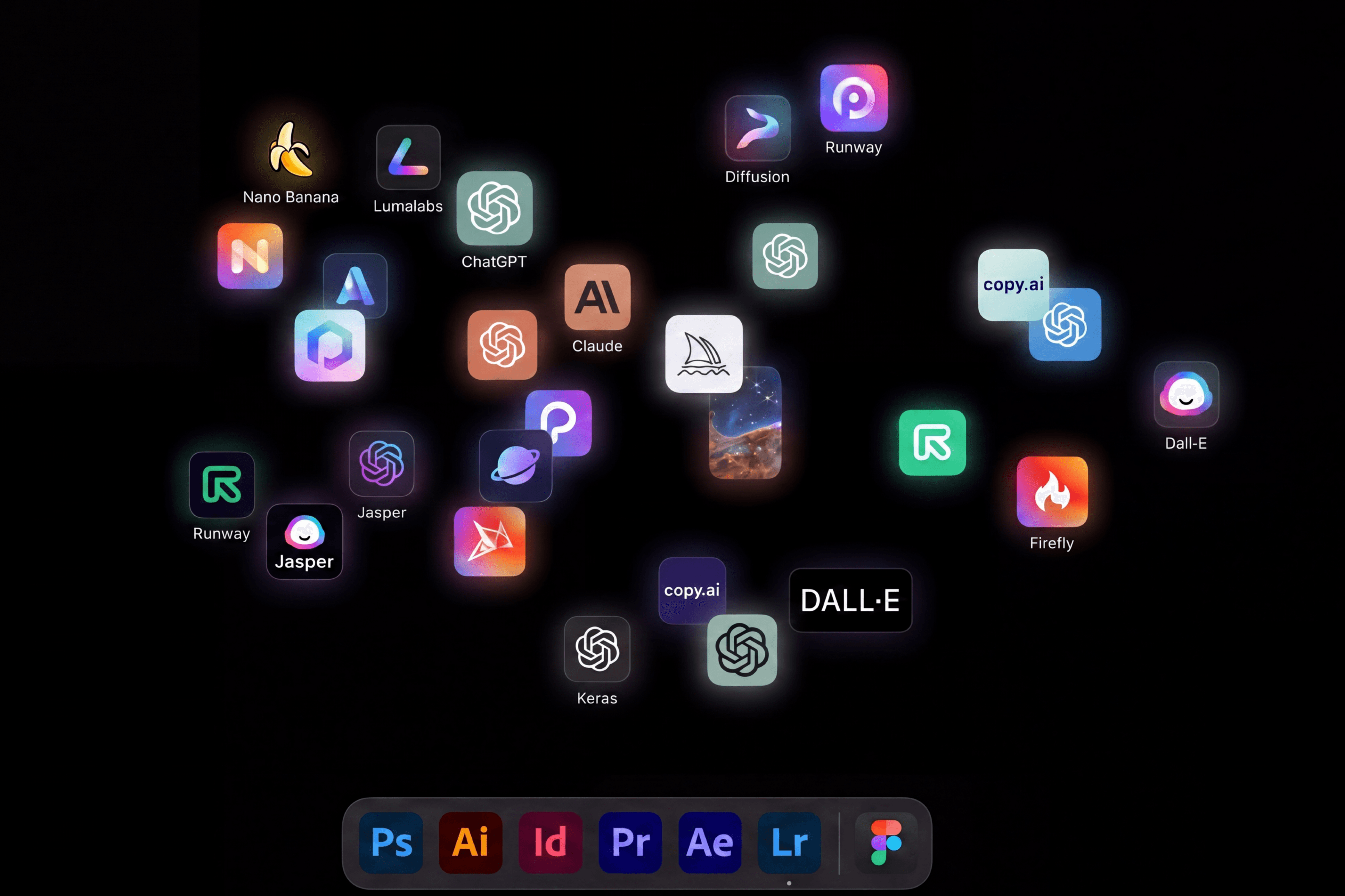
Midjourney, Dall-E, Firefly, Stable Diffusion, Runway, Kling, Sora, Krea, Ideogram, Pika, Adobe
Generative Fill, Canva AI, Framer AI. That's not even a complete list, that's just the ones that
have come up in our team conversations recently. Each with its own interface, its own logic, its
own pricing, its own learning curve. And keeping up with all of it is basically a job in itself. Most
designers are already doing an actual job.
The guilt is the worst part
What makes tool fatigue so draining isn't just the volume of new things. It's the feeling that you
should be keeping up, and that not doing so means you're falling behind somehow.
That's worth pushing back on. No designer learns every tool. No designer needs to. But the
pace of releases combined with the pressure to stay current creates this low-level background
anxiety that's hard to shake, even when you know you can't possibly try everything.
And for designers who are skeptical of AI tools to begin with, that pressure feels especially
unfair. If you've spent years developing a craft and a way of working, being told the whole
landscape has changed and you need to start over is genuinely frustrating. That frustration
makes sense. It doesn't mean you're resistant to change or that you don't get it. It might just
mean you haven't found the right entry point yet, or that the tools you've tried so far haven't
earned your trust. Both of those are valid.
What actually sticks and what doesn't
From what we've seen, there are a few things that tend to separate the tools worth learning from
the ones that are fine to ignore.
The tools that actually earn a permanent spot in a workflow usually do one specific thing
significantly better than anything before them. Not ten things adequately, one thing really well.
They found a job and got really good at it.
The tools that disappear after two weeks of hype tend to be the ones that do a lot of things
okay, or that replicate something you could already do almost as well with a tool you already
know. The demo looks great, the reality is underwhelming, and you've spent a few hours
learning an interface you'll never open again.
The honest version is that most new tools don't survive contact with a real project. They shine in
tutorial videos and in the hands of people who've had months to figure them out. For everyone
else there's a pretty big gap between what a tool promises and what it actually delivers inside
real work, with real clients, with real constraints.
Stay curious, not current
Here's the thing though. Ignoring all of it isn't the answer either.
What we've found more useful than trying to learn every tool is staying genuinely curious about
how AI works at a foundational level. Not every interface, not every feature update, but the
underlying logic: what these models are actually doing, what they're good at structurally, where
they tend to fall short and why.
Because once you understand the basics of how image generation works, or how a language
model processes a prompt, something clicks. You stop approaching every new tool as
something completely foreign and start recognising the familiar patterns underneath. A new
image tool drops and instead of feeling like you have to start from scratch, you already have a
pretty good sense of what it can probably do, what it probably can't, and whether it's worth your
time.
That kind of foundation is way more durable than knowing twelve tools by name. It's what lets
you stay adaptive without being reactive. To stay curious, genuinely eager to understand new
things, without being swept along by every wave of hype.
It also just makes you better at using the tools you do choose. A designer who understands why
a prompt works will always get more out of a generation tool than one who's just guessing. The
investment is in the understanding, not the interface.
The Brink Perspective
We're figuring this out too, alongside our clients and alongside each other. The landscape is
genuinely moving fast and it's okay to not have the full picture, because honestly nobody does
right now.
At The Brink we've been actively building AI into our own work, not because we feel like we
have to, but because we've seen what it unlocks when you use it thoughtfully. We're
experimenting, making mistakes, finding the tools that actually fit, and ditching the ones that
don't. It's an ongoing process and we're genuinely enjoying it.
The goal has always been good work. The tools are just how we get there.

Why Work Still Feels Harder Than It Should and How AI Can Help
Read this article

Seeing the World Through a Chicken's Eyes
Read this article
Your brand is every touchpoint, not just your logo
Read this article